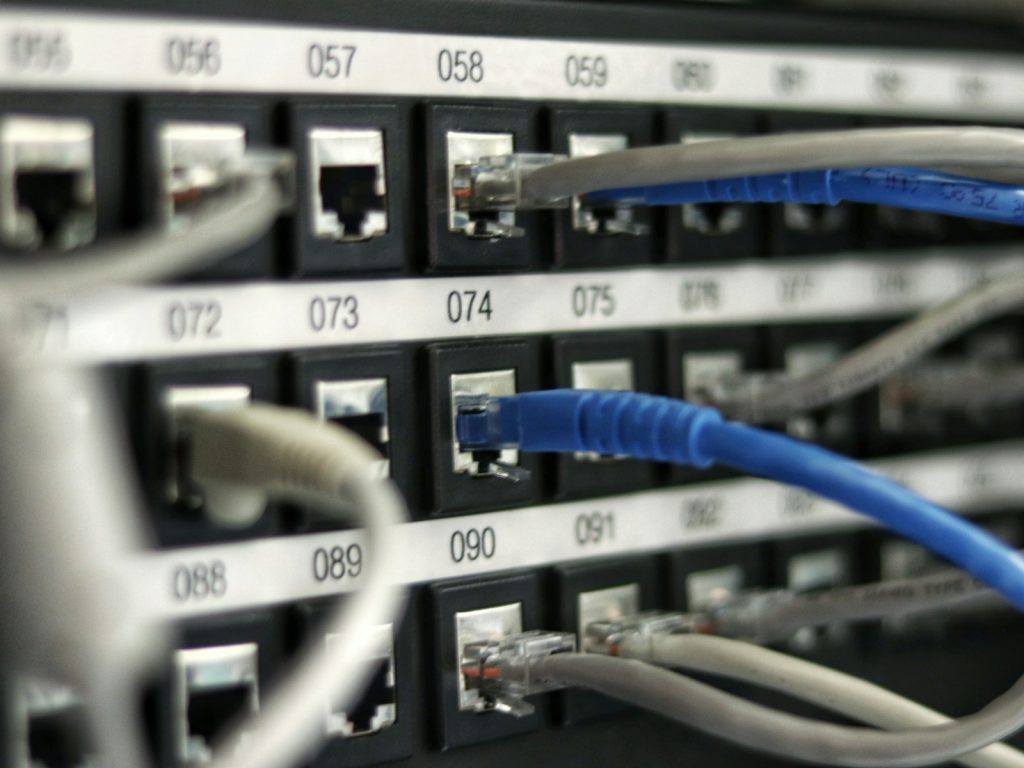
A good office network setup is mostly planning. Cables, switches and access points matter, but the decisions you make before installation decide how well the network works for years. This checklist walks through ten steps for an office network setup in Qatar, whether you are moving into a new fit-out or upgrading an existing space.
Use it as a briefing tool. It helps you collect the right information early, so quotes are easier to compare and the project runs with fewer surprises.
Why an office network setup needs a plan
Many network problems start as planning gaps. For example, a meeting room has no data point, the Wi-Fi was designed for twenty people instead of sixty, or the comms room has no cooling. These issues are cheap to solve on paper. However, they become expensive once ceilings are closed and furniture is in place.
A clear plan also gives every supplier the same brief. As a result, you can compare proposals on scope and quality instead of guessing what each one includes.
Plan the space: steps 1 to 4
- Count users, devices and growth. List desks, laptops, phones, printers, screens, cameras and access control panels. Then add a growth allowance. Most offices add devices faster than staff, so plan for the next three to five years, not just moving day.
- Map the floor plan. Mark where people will work, meet and wait. Also note walls, glass partitions and lift cores. Concrete and metal weaken wireless signals, so they affect cabling routes and Wi-Fi design.
- Choose the comms room location. This room holds your rack, patch panels, switches and firewall. It needs power, cooling, security and space to grow. In addition, copper links have a 100-metre limit, so every outlet must sit within reach.
- List the business applications. Cloud email, video calls, file sharing, accounting software, CCTV and voice systems all place different demands on the network. This list shapes later decisions, from the internet link to switch capacity.
Build the network: steps 5 to 8
- Design the structured cabling. Decide how many data points each desk, room and ceiling area needs. Cat6 suits many offices, while Cat6A gives more headroom for 10 Gbps and high-power PoE. Our guide to Cat6, Cat6A and fibre explains the trade-offs.
- Size the switches. Count the ports you need today and add spare capacity. Next, check the Power over Ethernet budget, because access points, phones and cameras often draw power from the switch. Managed switches also let you separate staff, guest, voice and camera traffic with VLANs.
- Plan Wi-Fi from a survey. Coverage depends on the building, not just the floor area. A survey shows where access points should go and how many you need. Plan for capacity too, since a boardroom with thirty laptops needs its own access point.
- Secure the network edge. A business firewall filters traffic, provides secure remote access and separates internal networks. Ask for a deny-by-default policy and multi-factor sign-in for administrators. Our business firewall checklist covers the settings to review.

Hand over with confidence: steps 9 and 10
- Test everything before you move in. Testing proves the installation matches the design. Every cable run should be certified and labelled, and Wi-Fi should be checked in the actual rooms. Also confirm that internet failover, VPN access and printing work before staff arrive.
- Get documentation and a support plan. Ask for a cable schedule, rack layout, IP address plan, VLAN list and device inventory. Store admin passwords securely. Then agree who supports the network after handover, so small issues get fixed before they grow.
Testing on a quiet weekend is far easier than troubleshooting on the first Monday. That is why the last two steps deserve as much time as the first eight.
Common office network setup mistakes
- Too few data points, so staff rely on extension cables and desk switches.
- A rack squeezed into a storeroom with no cooling or power protection.
- Unmanaged switches that cannot keep guests away from company systems.
- Wi-Fi designed for coverage only, which then struggles in busy meeting rooms.
- No documentation, which makes every later change slower and riskier.
Each of these is easy to avoid with a written plan. In fact, most cost far less to fix at the design stage than a single day of downtime. If your current Wi-Fi already struggles, our guide to slow office Wi-Fi explains the usual causes.
Plan your office network setup in Qatar with Django
If you are moving office or upgrading an existing network, the Django team can review your floor plan, users and applications and suggest a practical scope. Explore network infrastructure and architecture, structured cabling and enterprise Wi-Fi, or request a quote to discuss your project.
For wider security guidance, the NIST Small Business Cybersecurity Corner is a useful free resource.
Last updated .